Why Updating WordPress and Plugins Isn’t Optional (Even When It Feels Like a Chore)
Let’s be honest: those WordPress update notifications are annoying. You’re in the middle of editing a page or checking your site analytics, and there it is again, that little red circle telling you there are six plugins that need updating. You think, “The site is working fine. I’ll deal with it later.”
And then later never comes.
If this sounds familiar, you’re not alone. Most website owners put off updates because they seem like busywork. The site loads, the forms work, donations are coming in. Why fix what isn’t broken?
Here’s the thing: by the time something feels broken, it’s often too late. Updates aren’t about fixing problems you can see. They’re about preventing the ones you can’t.
The Real Risk of Outdated Software
WordPress powers over 40% of all websites on the internet, which makes it a massive target for hackers. But here’s what most people don’t realize: hackers aren’t usually trying to break into your specific site because they care about your organization. They’re running automated scripts that scan thousands of websites at once, looking for known vulnerabilities in outdated software.
When a security flaw is discovered in WordPress or a popular plugin, the developers release a patch to fix it. That’s great news. The problem? That security flaw is now public knowledge. Every hacker on the planet knows exactly how to exploit it, and they know that plenty of websites haven’t updated yet.
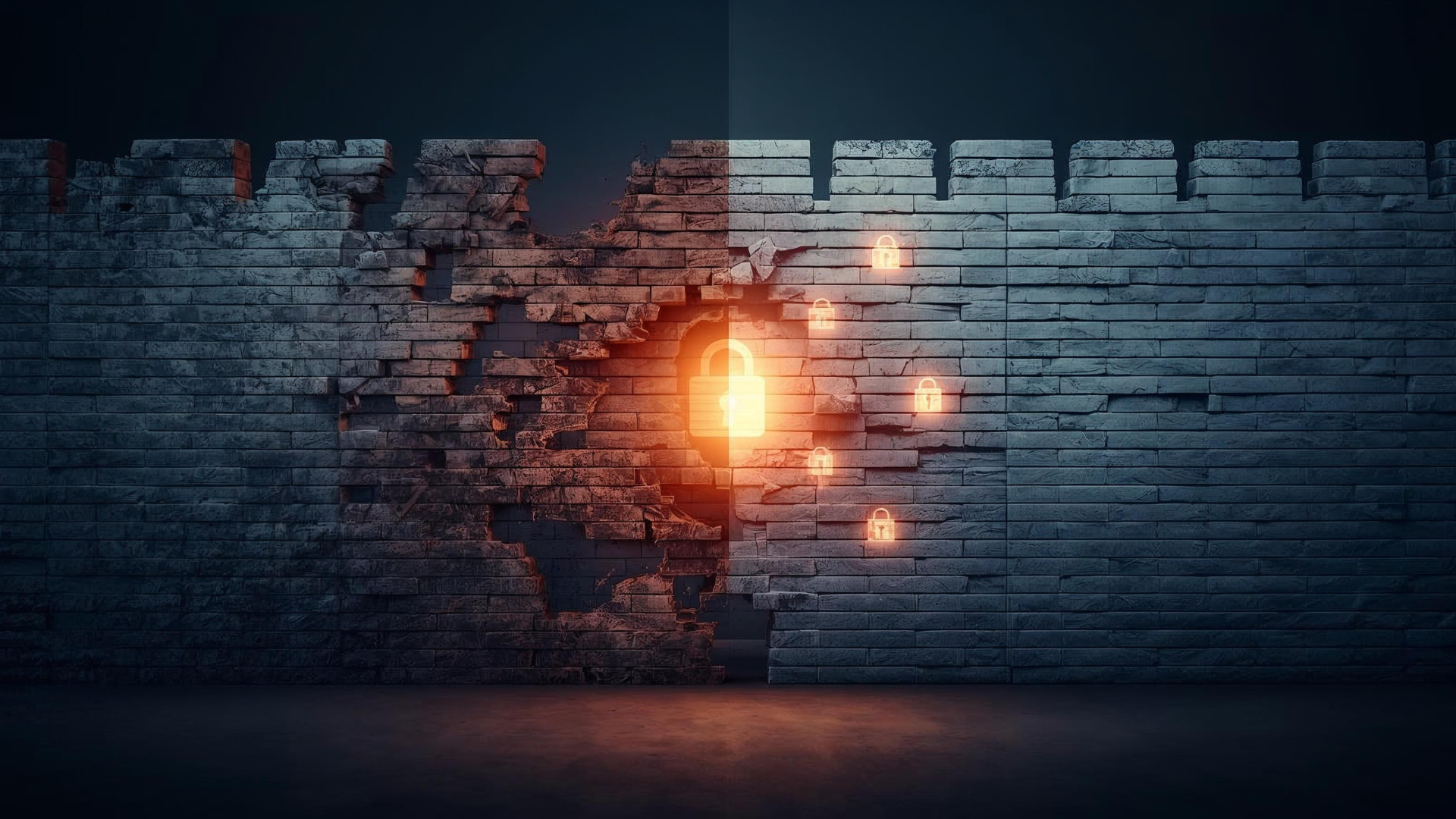
Your outdated plugin isn’t just a minor inconvenience. It’s an unlocked door with a sign that says “vulnerable site here.”
What Actually Happens When You Get Hacked
Let’s talk about what a compromised website really means, because it’s not just dramatic movie scenes of hooded figures typing furiously in dark rooms.
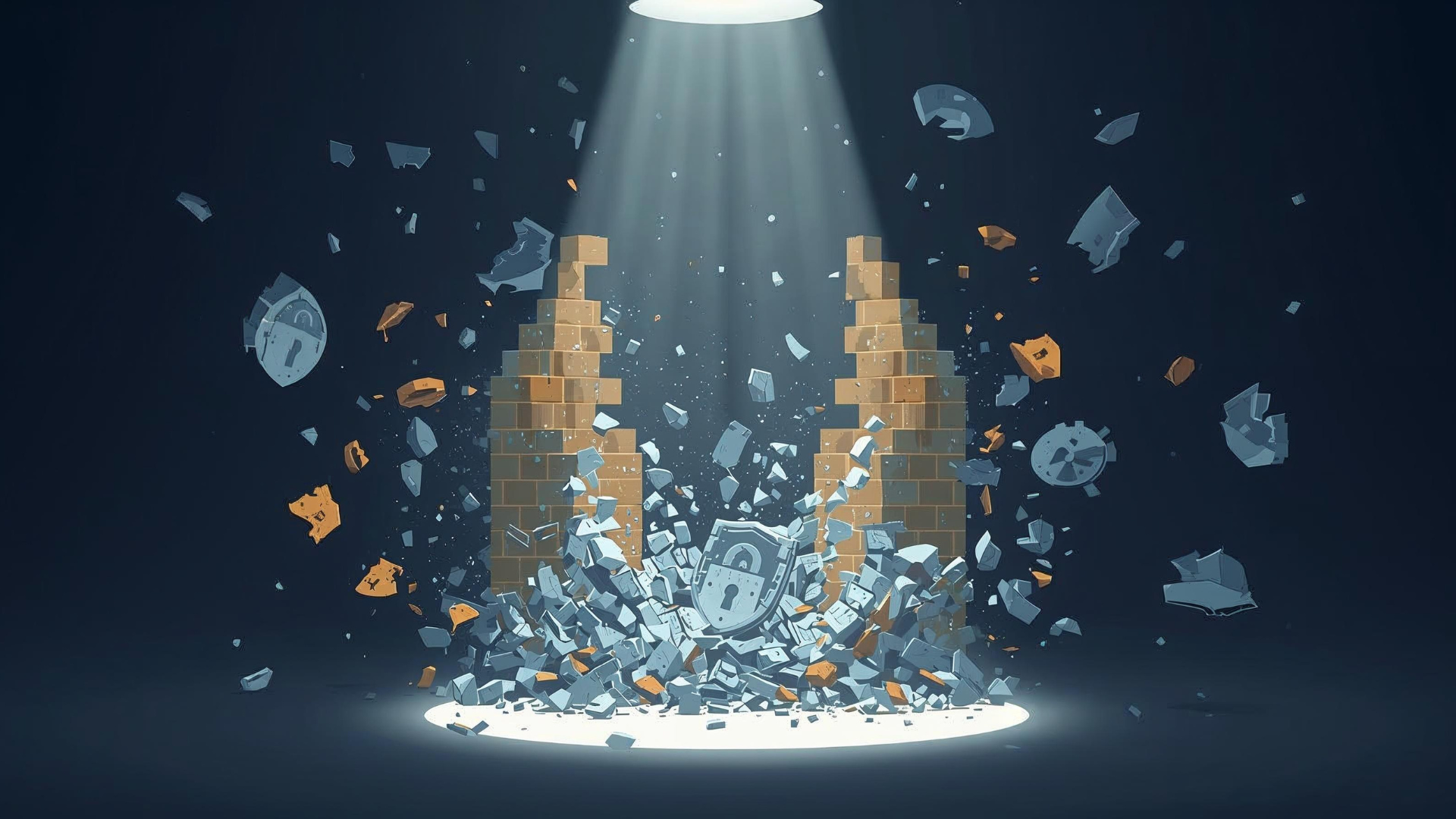
A hacked website might redirect your visitors to spam sites selling counterfeit products. It might inject malicious code that infects your visitors’ computers. Your contact forms could be hijacked to send phishing emails. Your donor data could be stolen. Google might blacklist your site, tanking your search rankings overnight.
And here’s the worst part: you might not even know it’s happening. Many security breaches are designed to operate quietly in the background, using your server resources to attack other sites or send spam emails. You could be funding a botnet without realizing it.
The cleanup process is expensive, time-consuming, and stressful. You’ll need to hire a security expert to find and remove all traces of the malware, restore your site from backups (assuming you have recent ones), change all your passwords, and then deal with getting your site removed from Google’s blacklist. We’re talking weeks of work and potentially thousands of dollars.
All because of a plugin update that would have taken two minutes.
It’s Not Just About Security
Security is the big scary reason to update, but it’s not the only one. Updates also bring performance improvements, bug fixes, and new features that can actually make your site work better.
Developers are constantly optimizing their code to load faster, use fewer server resources, and work more smoothly with the latest version of WordPress. When you skip updates, you’re missing out on these improvements. Your site might be loading slower than it needs to. Forms might be glitchier. Certain features might not work properly on newer devices or browsers.
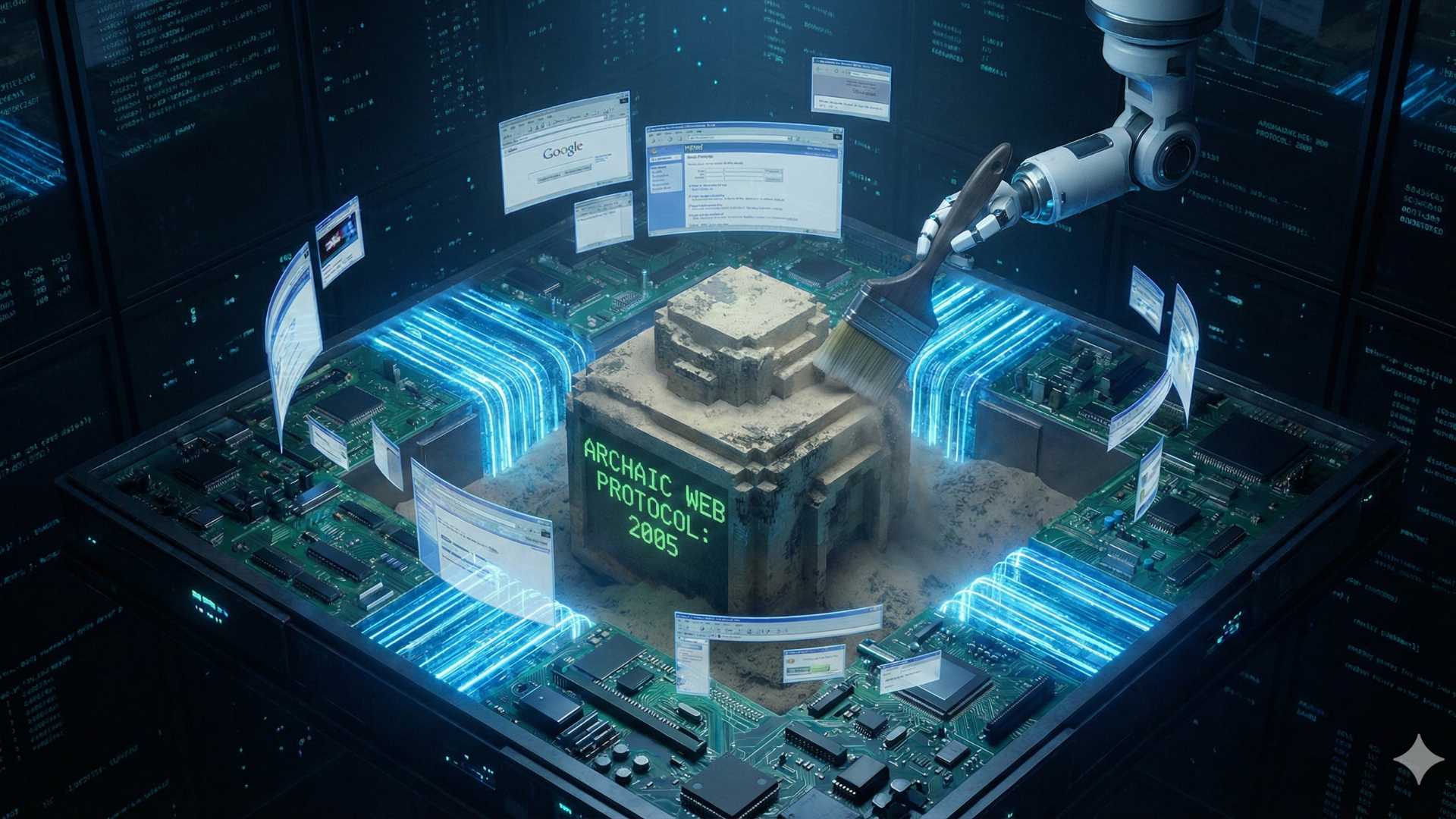
And as WordPress itself evolves, plugins need to keep pace. An old plugin running on a new version of WordPress is like trying to run Windows 95 software on a modern computer. Sometimes it works. Often it doesn’t. And when it breaks, it can take your entire site down with it.
“But Updates Break Things”
This is the fear that keeps people from clicking that update button, and it’s not entirely unfounded. Yes, sometimes updates can cause conflicts or break functionality, especially if you’re running a complex site with lots of plugins that haven’t been maintained properly.
But here’s the reality: updates are far less likely to break your site than a security breach is. And when updates do cause issues, they’re usually minor and fixable. A hacked site? That’s a disaster that can take your entire online presence offline for days or weeks.
The key is updating smartly. Don’t ignore updates until you have 47 of them stacked up and then hit “update all” and pray. That’s asking for trouble. Instead, make updates part of your regular routine. Set aside time each week or month to review and install updates, ideally on a staging site first if you’re running something complex.
If that sounds like more work than you signed up for when you launched your website, that’s fair. This is exactly why many organizations work with a WordPress maintenance partner who handles updates as part of ongoing site management. It’s the difference between hoping nothing goes wrong and knowing someone is actively preventing problems before they start.
The Bottom Line
Your website is infrastructure, not a one-and-done project. Just like you wouldn’t skip oil changes for your car or ignore fire alarm battery warnings, you can’t afford to ignore WordPress and plugin updates.
The web moves fast. Security threats evolve. Software improves. Your site needs to keep pace, or it becomes a liability instead of an asset.
Those update notifications aren’t nagging you. They’re protecting you. The question isn’t whether you can afford to spend time on updates. It’s whether you can afford not to.